Projects, Models, and Jobs
Organize at every level — projects, models, or jobs — for complete visibility and control.
Projects
A project serves as the central container for everything. It includes models, their properties, required quantities, and pricing. It also stores client information, paperwork, job files, and more.
Models
Models are files representing the physical objects (STL, STP, etc.). You can drag and drop models into a project to start configuring them for production.
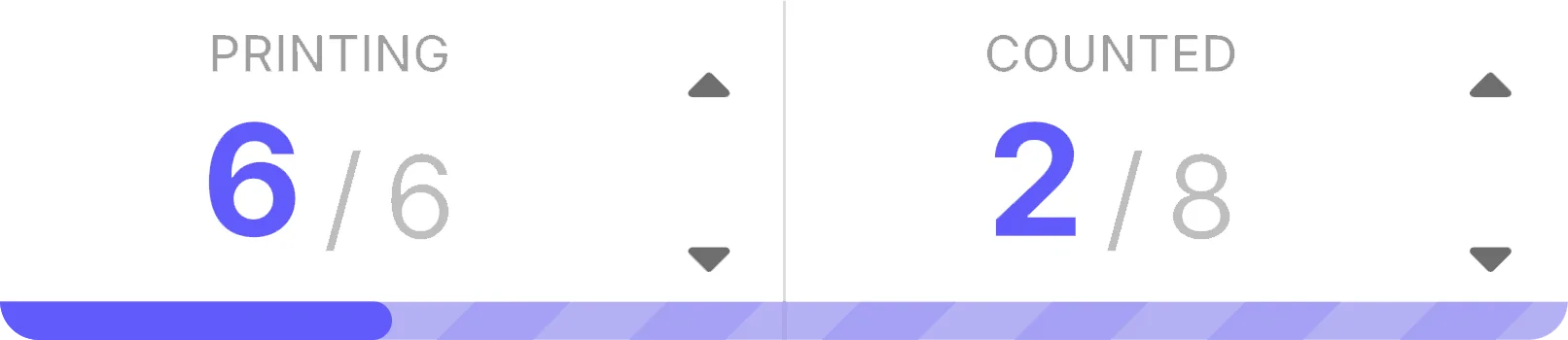
Live Counts
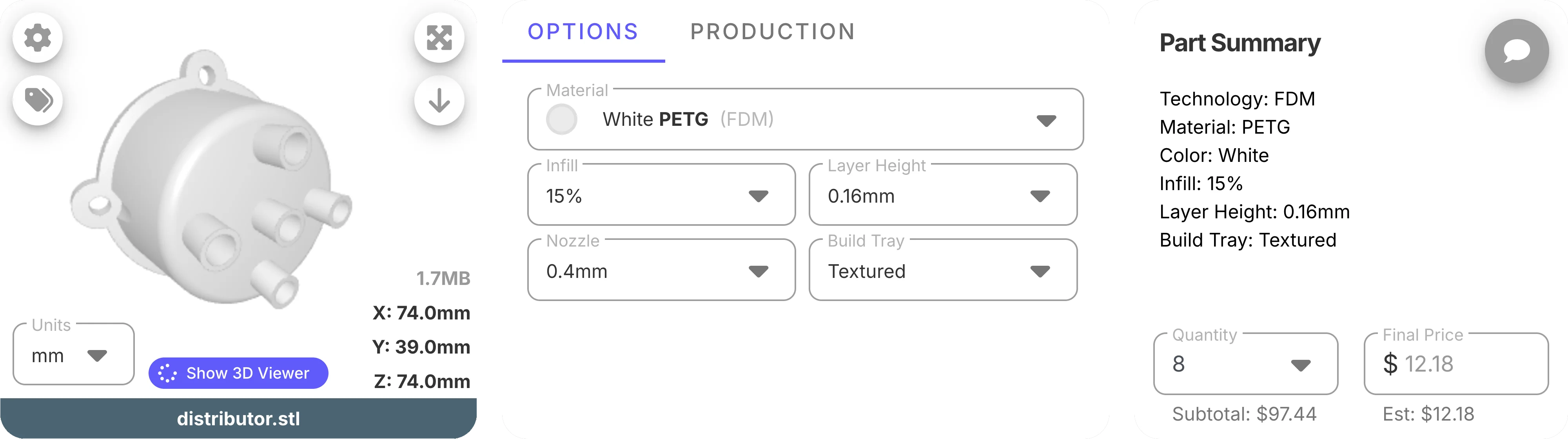
Update or view how many models are being produced or in a customized stage.
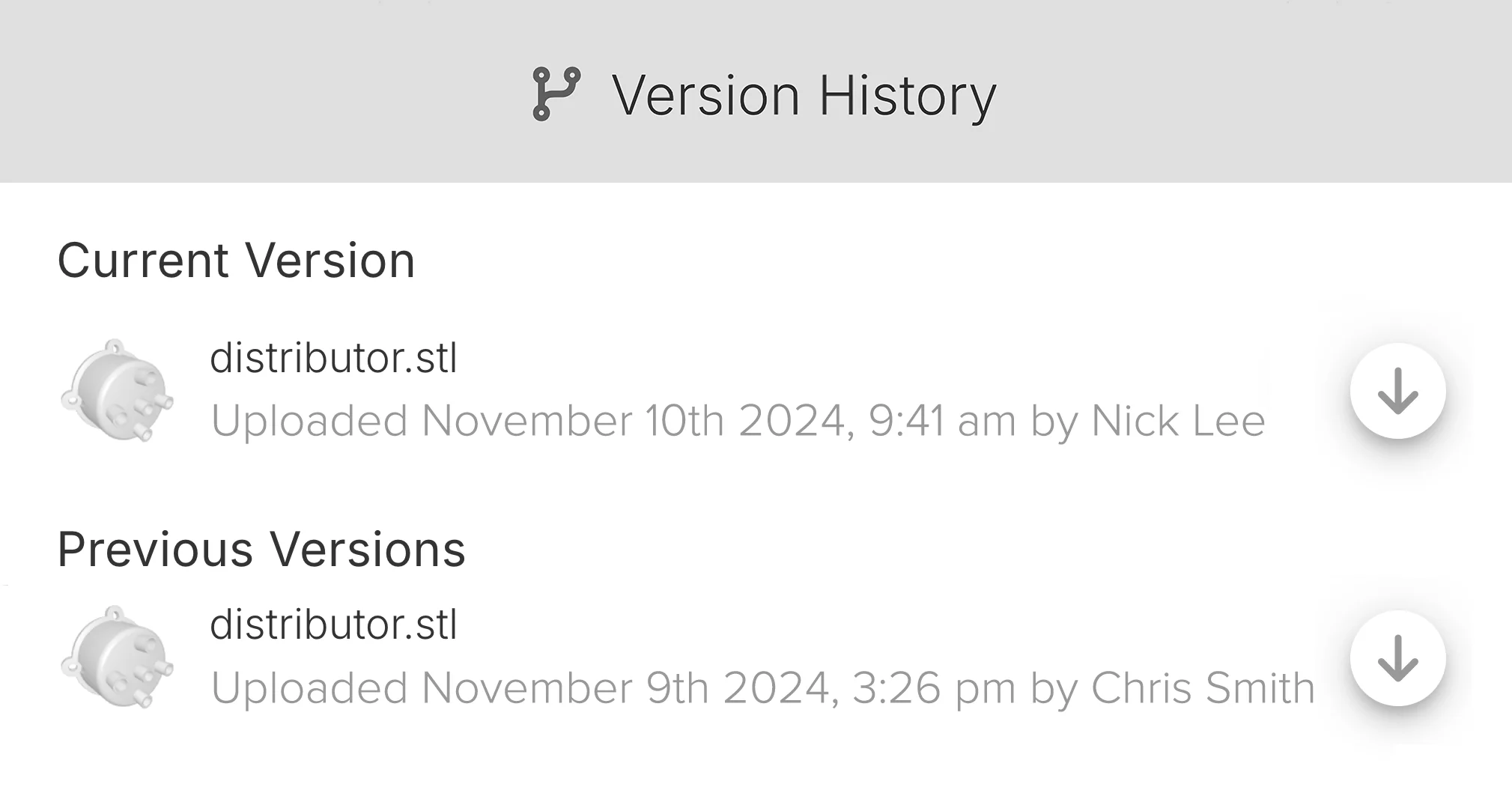
Version History
Never lose track of the current version or previous designs.
Job Files
Job files are those that get sent to machines (.3MF, .gcode, etc.). Each can be linked with models and quantities across all projects.

One Click Sync
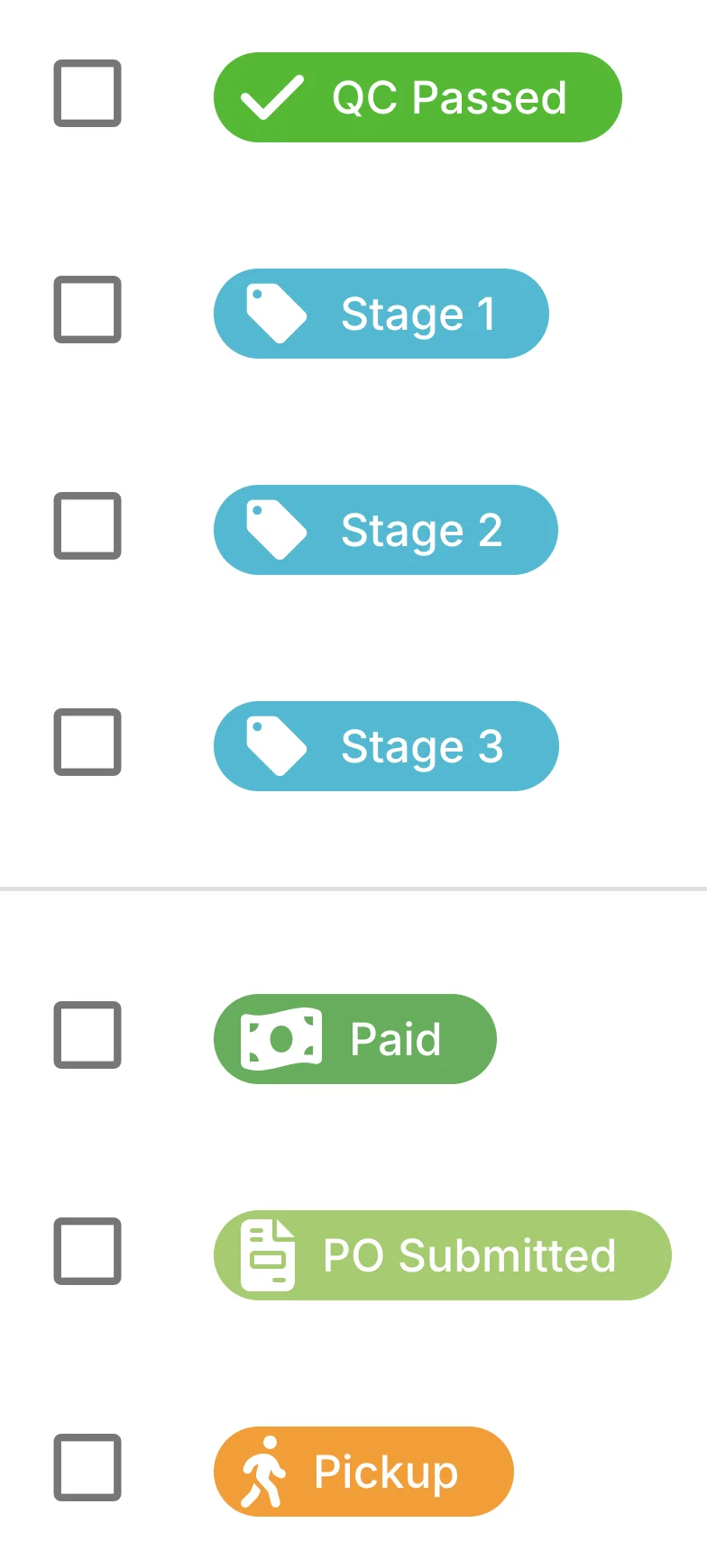
Update the status of every model within a job using one click.
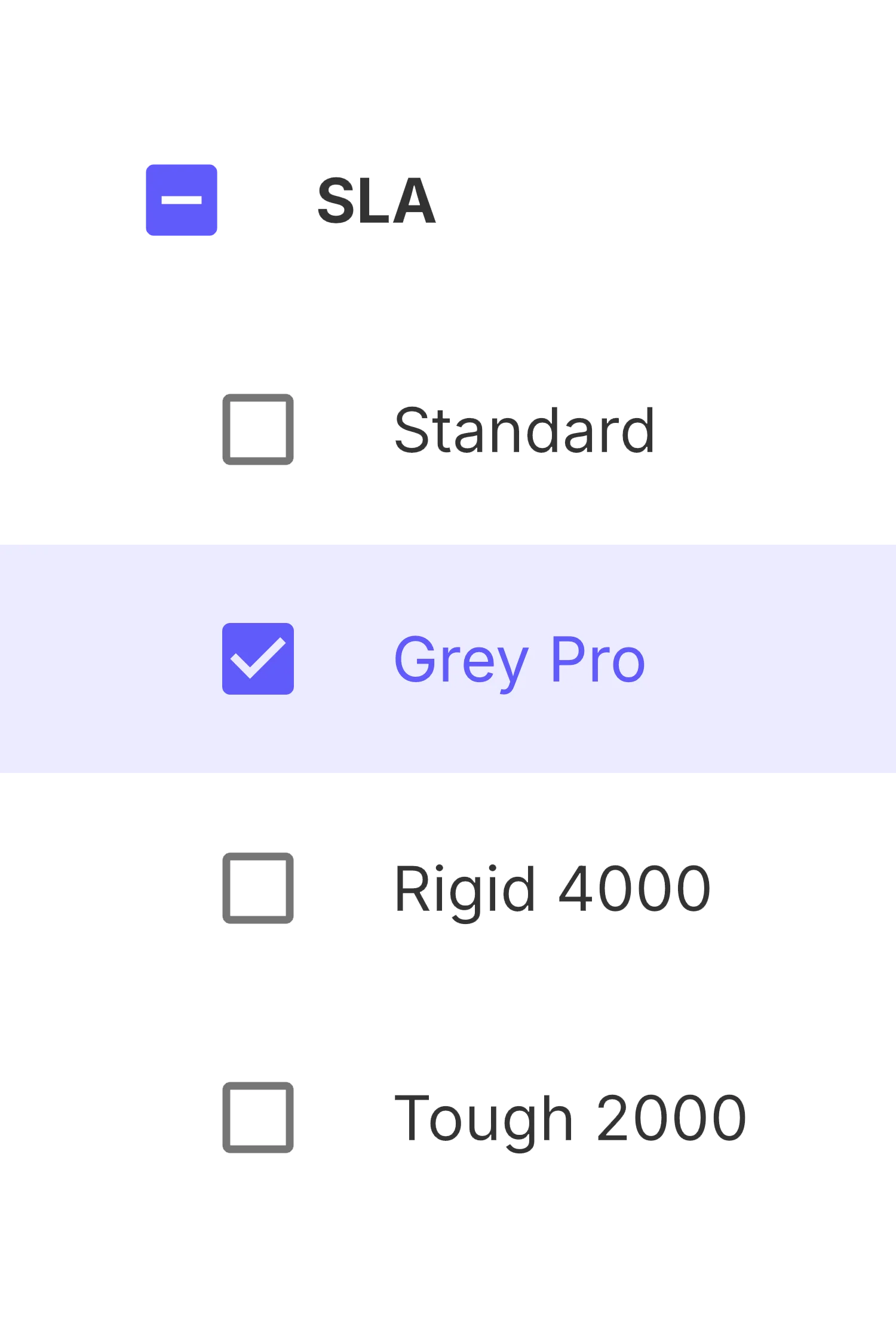
Filter Your Way to Anything
Drill down by material, color, or whatever helps you find what you need. Save your favorite filter to create a custom view.


See Every Detail
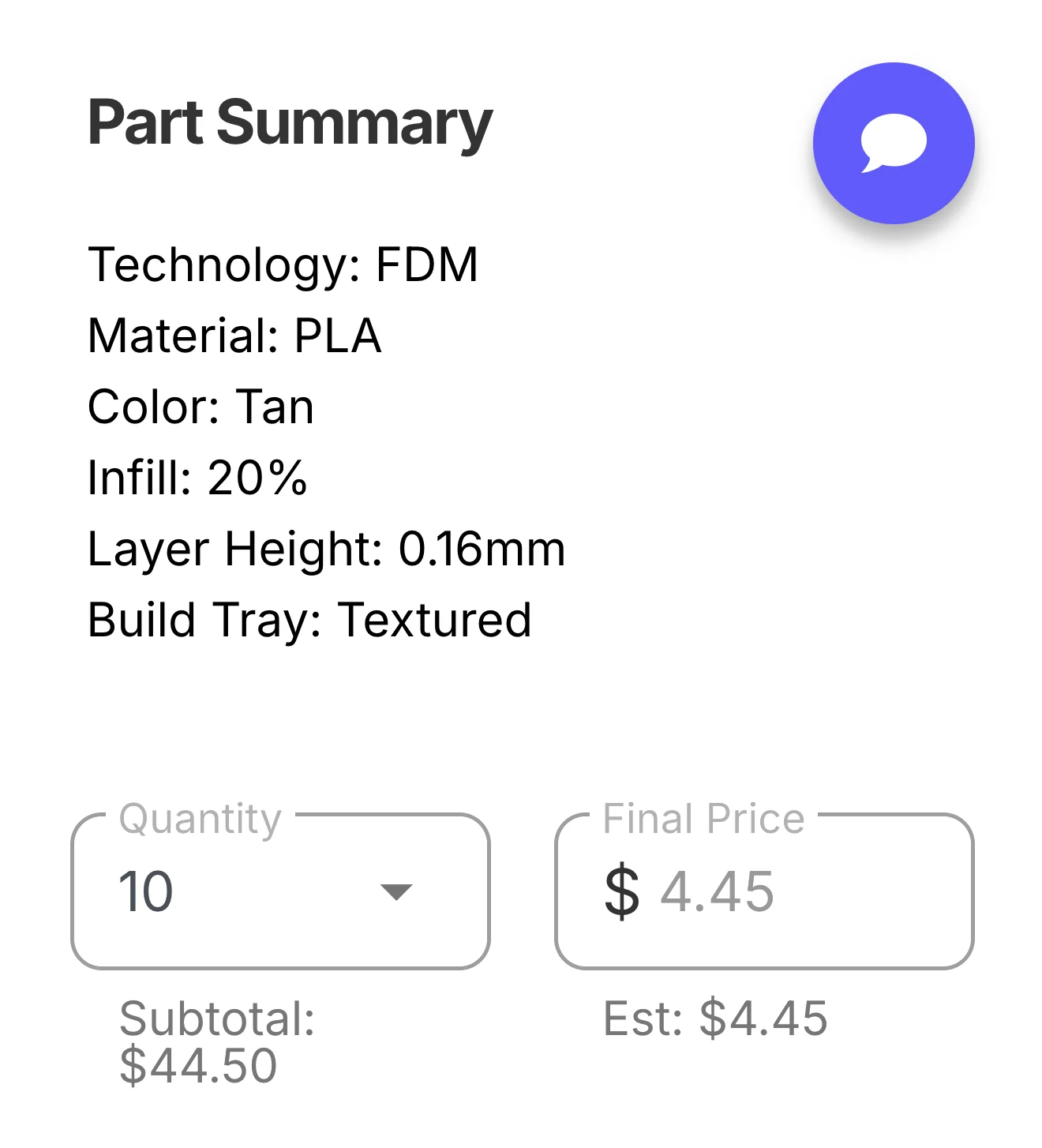
Create callouts that fit your workflow, with the flexibility to get as detailed as you need—only when you need to.